In this guide (6 sections)
- Your odds drop fast after the first 5 minutes
- Small businesses lose because a person has to notice first
- Your instant-response workflow needs 3 actions and an escalation
- How to set up speed to lead in GoHighLevel, HubSpot, or ActiveCampaign
- Measure your response time with 20 recent leads
- Handle after-hours leads without hiring a night shift
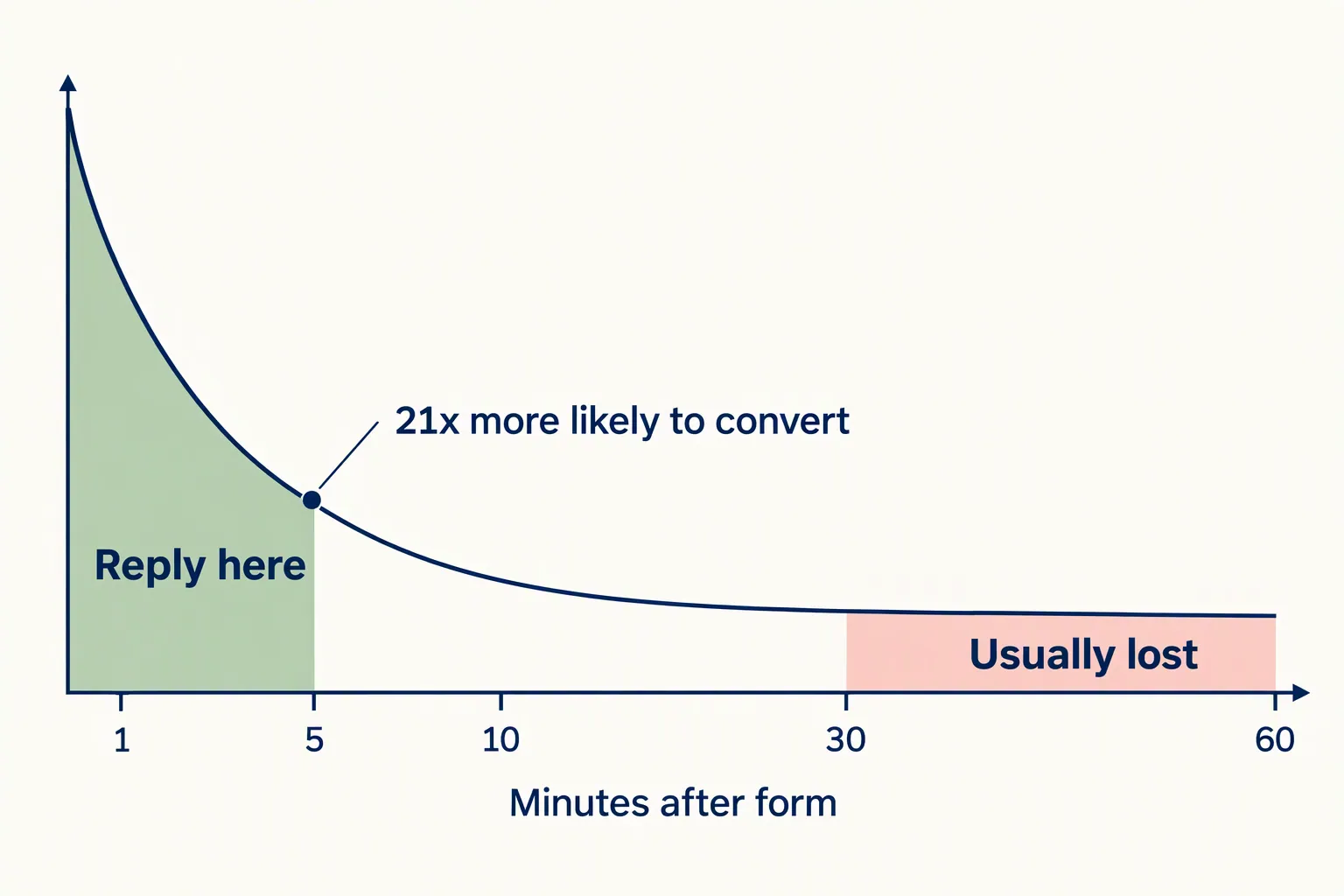
Answer a new lead within five minutes. Prospeo's speed-to-lead roundup shows those leads are 21 times more likely to convert than ones reached after 30 minutes. Yet it cites a Workato study where companies without lead routing took nearly 13 hours to reply. Your CRM can answer for you while you're in a meeting. Here's how to set it up.
Your odds drop fast after the first 5 minutes
The research on lead response time points the same way: answer in minutes, not hours.
Demand Local's review of 43 lead response studies found that responding within one minute can lift conversions by up to 391%. At five minutes you're still in good shape. After an hour, most of those leads are gone.
The reason is simple. When someone fills out your form, they're thinking about their problem right now, and they're probably filling out a competitor's form too. Prospeo reports that 78% of customers buy from the first business that responds. Not the best or the cheapest. The first.
The two-hour small business average comes from World Metrics' lead response data, which puts large companies at 18 minutes. You don't need a big team to beat either number. You need your CRM doing the work instead of your memory.
Small businesses lose because a person has to notice first
Small teams are slow because the response depends on a person seeing a notification at the right moment. That's a system problem, not a laziness problem.
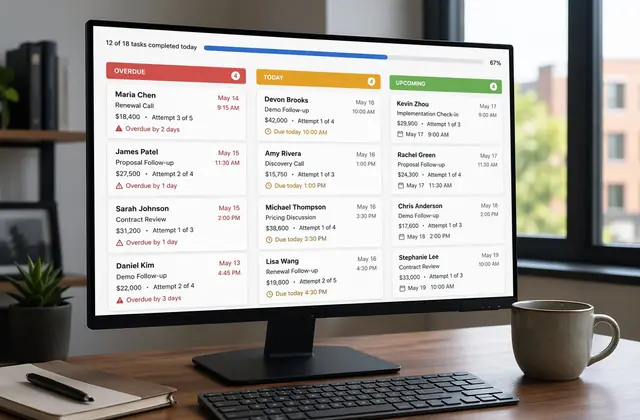
The usual flow: a lead fills out a form, the CRM emails you, you see it between meetings, and you plan to call back in 20 minutes. By then they've booked with someone else.
Three problems come up over and over.
- Notification-only setups: the CRM pings you, but a ping isn't a reply. By the time someone acts, the window has closed.
- Business-hours thinking: World Metrics found that 41% of leads arriving after hours get no response at all. Your form works 24/7, so your first reply should too.
- Manual assignment: leads sit in a shared queue until someone claims them. Every handoff adds minutes.
Your instant-response workflow needs 3 actions and an escalation
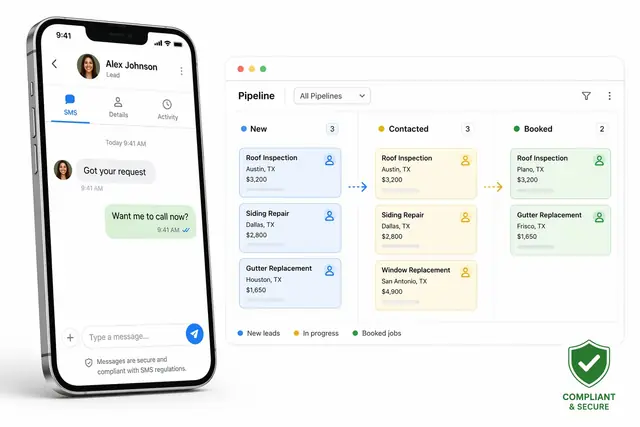
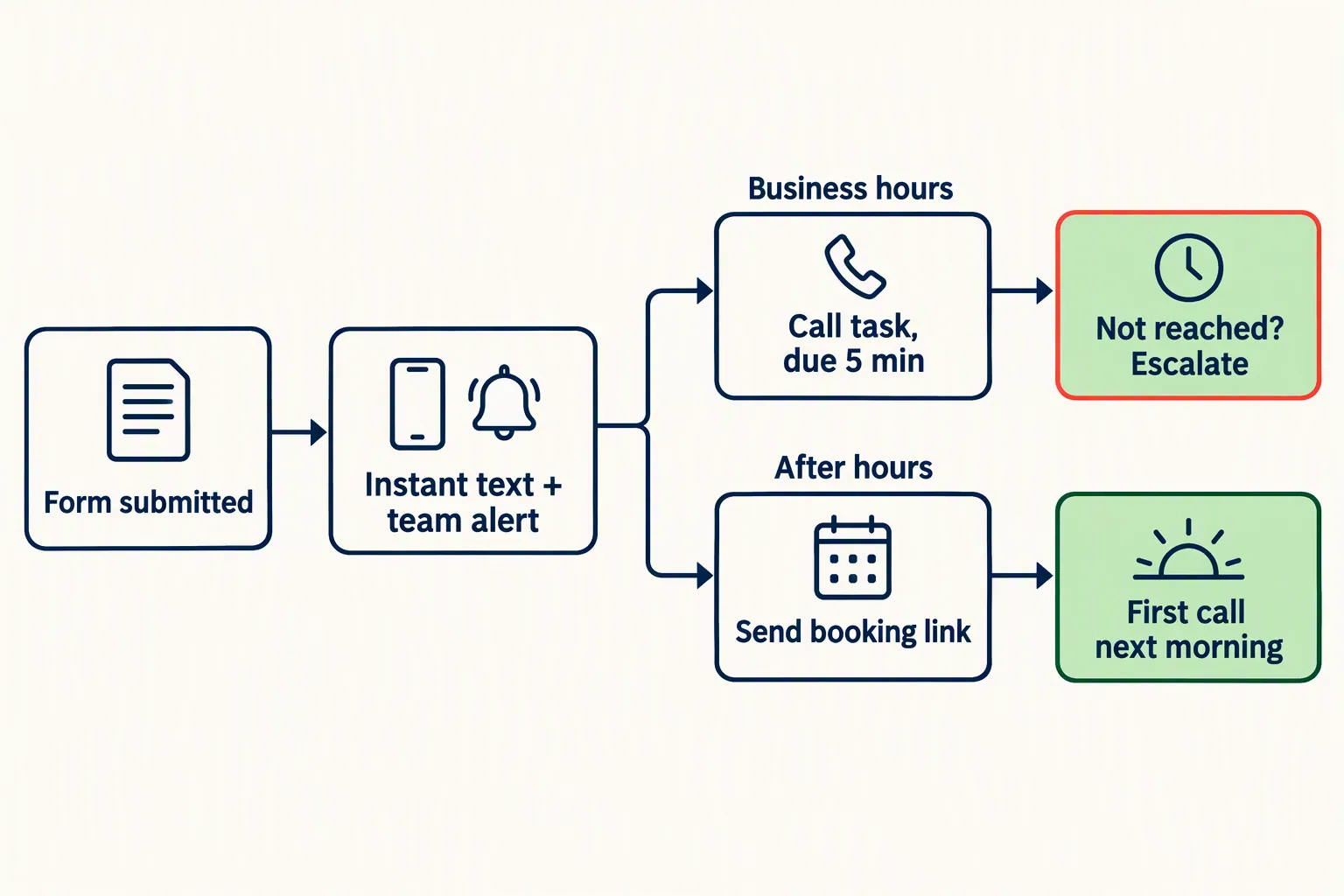
Within 60 seconds of a form submission, three things should happen on their own. The lead gets a personal text or email, your team gets an alert with the lead's details, and the CRM creates a call task with a deadline.
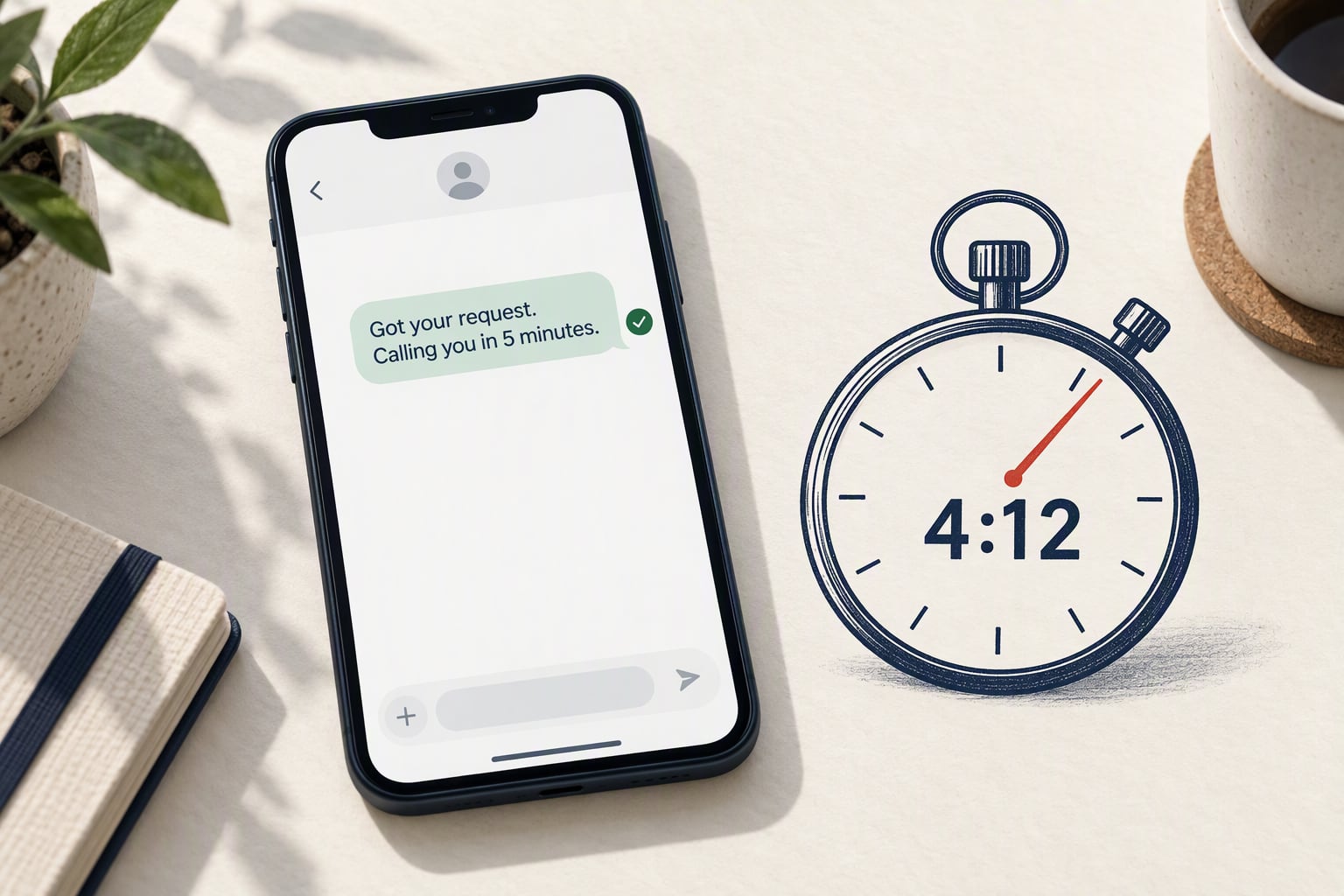
The confirmation message does a lot of work. Something like "Hi [first name], got your request. Someone from our team will call you in the next 5 minutes" makes the lead feel seen and puts you ahead of anyone who hasn't replied yet.
If nobody connects within five minutes, the workflow escalates. A second text goes out, the task priority goes up, and maybe a voicemail drop fires. No lead should go more than 10 minutes without real contact, even on a busy day.
After-hours leads take a different path. The instant reply still goes out, but it offers a booking link for the next open slot instead of promising a call. You stay first in line even when nobody's at the desk.
How to set up speed to lead in GoHighLevel, HubSpot, or ActiveCampaign
The logic is the same in every CRM. Only the menus differ. Here's where to start in three common CRMs.
- GoHighLevel (workflows on every plan, from $97/month; prices checked October 2026): go to Automations, then Workflows, then New Workflow. Trigger on "Form Submitted" or "Contact Created." Add an instant SMS, an internal notification, and a "Create Task" action due in 5 minutes. The workflow builder does all of this with no add-ons, and it's one of GHL's strongest features.
- HubSpot: go to Automation, then Workflows, then Create from scratch. Use "Form submission" as the enrollment trigger. Add a "Send email" action, an "Internal notification," and a "Create task." Full workflows need a Professional plan, which costs far more than Starter, so check HubSpot's pricing page before you plan around it.
- ActiveCampaign: go to Automations, then New Automation, then Start from scratch. Trigger on "Submits a form." Add "Send email," then "Notify someone," then "Add a task." The automation builder can also send texts through its SMS add-on or a Twilio integration.
Measure your response time with 20 recent leads
Most CRMs don't show response time by default, so you'll calculate it yourself. It takes about 15 minutes.
Pull 20 leads created this month. For each one, compare the created timestamp with the first outbound call, email, or text. Average the gaps. That's your baseline.
In GoHighLevel, the conversation tab shows both the form submission and your first reply. In HubSpot, the activity timeline shows both timestamps. In ActiveCampaign, check each contact's automation history.
Aim for under five minutes and check it weekly. If the average creeps past 10, something broke. Usually it's a notification going to an inbox nobody reads, or a task queue with no escalation.
Handle after-hours leads without hiring a night shift
Plenty of leads arrive in the evening and on weekends. If your workflow only runs 9 to 5, you're ignoring a real slice of your pipeline.
Build an after-hours branch that does three things. Send an instant personal reply, offer a booking link for the next open slot, and queue the lead as top priority for the morning.
The booking link matters most. Someone who fills out a form at 9 p.m. still wants help. If they can book an 8 a.m. call right then, you've kept them. If they hear nothing until 9:30 the next morning, you're competing with everything else in their inbox.
This is where built-in calendars help. GoHighLevel includes calendars and booking pages on every plan, and HubSpot includes meeting links on paid plans. ActiveCampaign needs a scheduling tool like Calendly, but it still fits the same workflow. Our guide to CRM calendar booking covers the setup.
Add one condition to your workflow: if the submission came in outside business hours, take the after-hours path. Otherwise, take the call-now path.
Speed to lead is one of the most valuable things you can fix in your CRM this week. Once it's running, set up follow-up tasks that don't slip so the leads you reach fast don't go cold on the second or third touch.
How we write these: we set up and use these tools for real small businesses, check vendor pricing pages and documentation, and link our sources. We earn affiliate commissions from Systeme.io and GoHighLevel; that never decides what goes in a guide.