In this guide (6 sections)
Texts get answered far more often than email. Sakari's SMS research puts the SMS response rate at about 45%, compared with roughly 6% for email, and 90% of texts get read within three minutes. The catch: text without proper consent and you can owe $500 to $1,500 per message under the TCPA. Here's how to do it safely.
Texts get read and answered far more than email
SMS beats email on every engagement number that matters. Omnisend's SMS data puts text open rates at 98%, against roughly 20% to 30% for email. SMS click-through runs 21% to 35%, while email averages 2.5% to 4%.
People don't love texts from businesses. But a text lands next to messages from family and friends, so it gets seen. Your email lands between a store promo and a password reset.
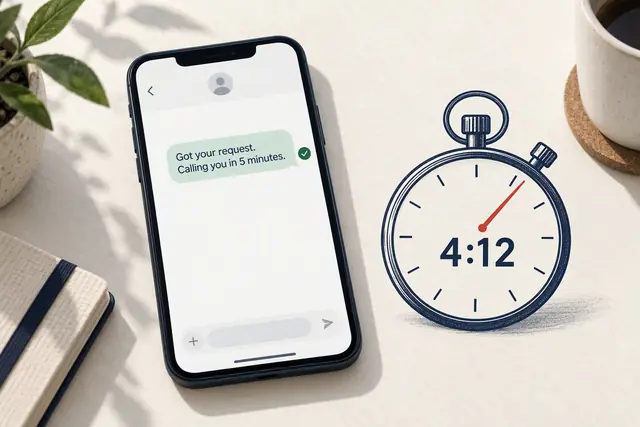
For consultants booking calls, coaches confirming sessions, and agencies chasing proposals, that gap is revenue. SPOTIO's sales research says 35% to 50% of sales go to whoever responds first. A text arrives in seconds. An email might get opened tomorrow.
RevenueMemo's analysis found SMS marketing returns $21 to $41 for every dollar spent, with automated flows (reminders and follow-ups) earning far more per recipient than one-off blasts.
Don't replace email. Add texts where speed matters most, which is usually the first 24 hours after someone reaches out.
Get TCPA consent right first, because penalties are per text
The classic mistake is importing your whole contact list and texting 500 people "still interested?" That's how small businesses end up with demand letters or a class action.
The Telephone Consumer Protection Act is the federal law that covers business texting. The FCC updated its opt-out rules in April 2025. Here's what matters for CRM SMS follow-up.
You need express written consent before any marketing text. That means an unchecked checkbox, a signed web form, or a keyword opt-in like "text JOIN to 55555." A past purchase or an email relationship doesn't count.
Every message needs your business name and a way to opt out. "Reply STOP to unsubscribe" is standard. Under the FCC's opt-out rules, people can also opt out with any reasonable wording, like "leave me alone." Your system has to catch those replies too.
Statutory damages run $500 per message, or $1,500 if the violation is willful. Two hundred non-compliant texts could cost $100,000 to $300,000. TCPA class actions are common, so this isn't a theoretical risk.
Only text between 8 a.m. and 9 p.m. in the recipient's time zone. Keep consent records for at least five years so you can prove an opt-in if someone disputes it.
Any modern CRM can handle this. Just set it up before your first text, not after a complaint.
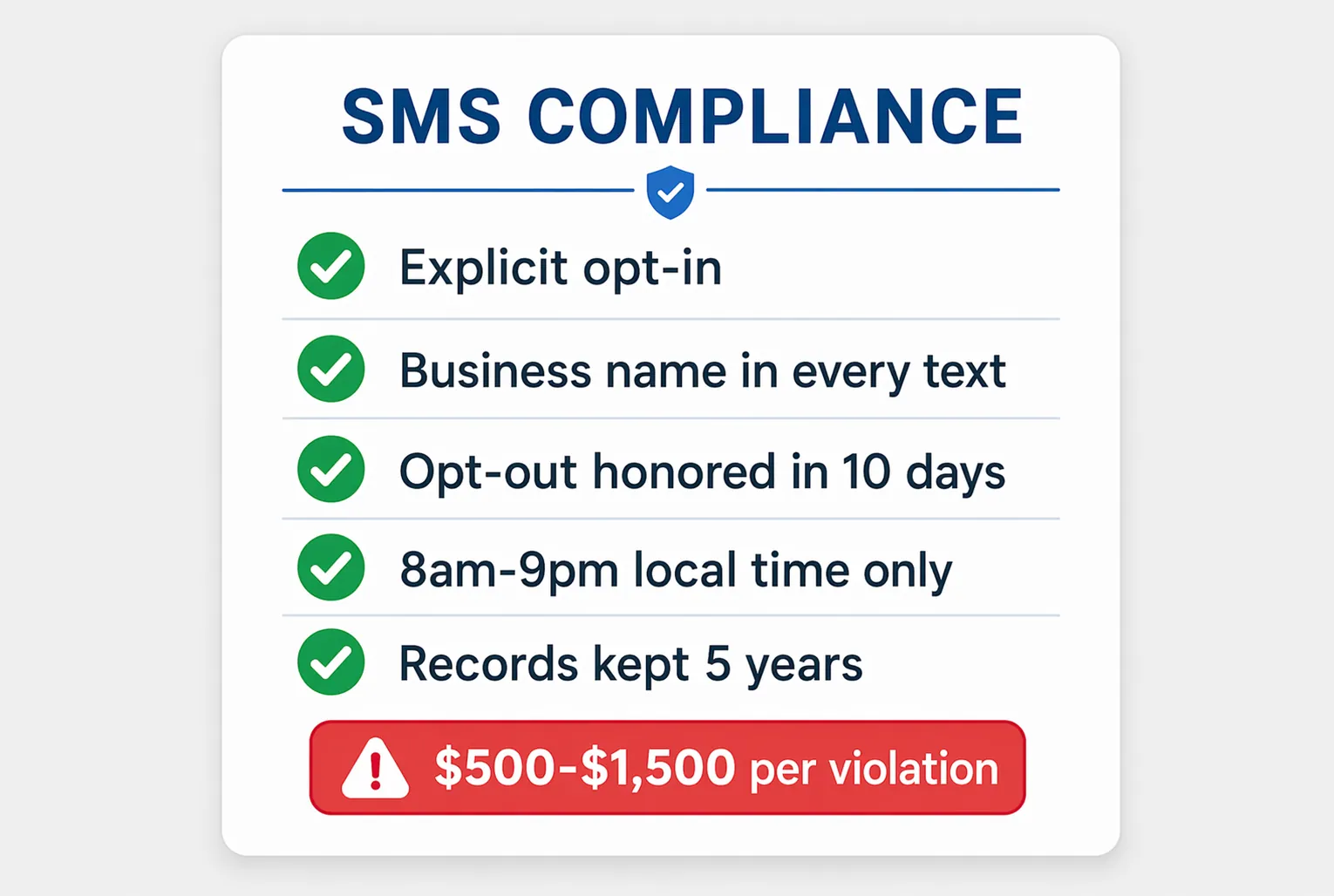
- Get explicit opt-in: unchecked checkbox, keyword text-in, or signed consent form.
- Include your business name and opt-out instructions in every message.
- Honor opt-outs within 10 business days, including informal ones like "stop texting me."
- Text only between 8 a.m. and 9 p.m. in the recipient's time zone.
- Keep consent records (timestamp, method, source) for at least five years.
Five CRM text workflows that move deals forward
The best CRM texts are short, timely, and useful, not sales pitches. These five work well for small teams.
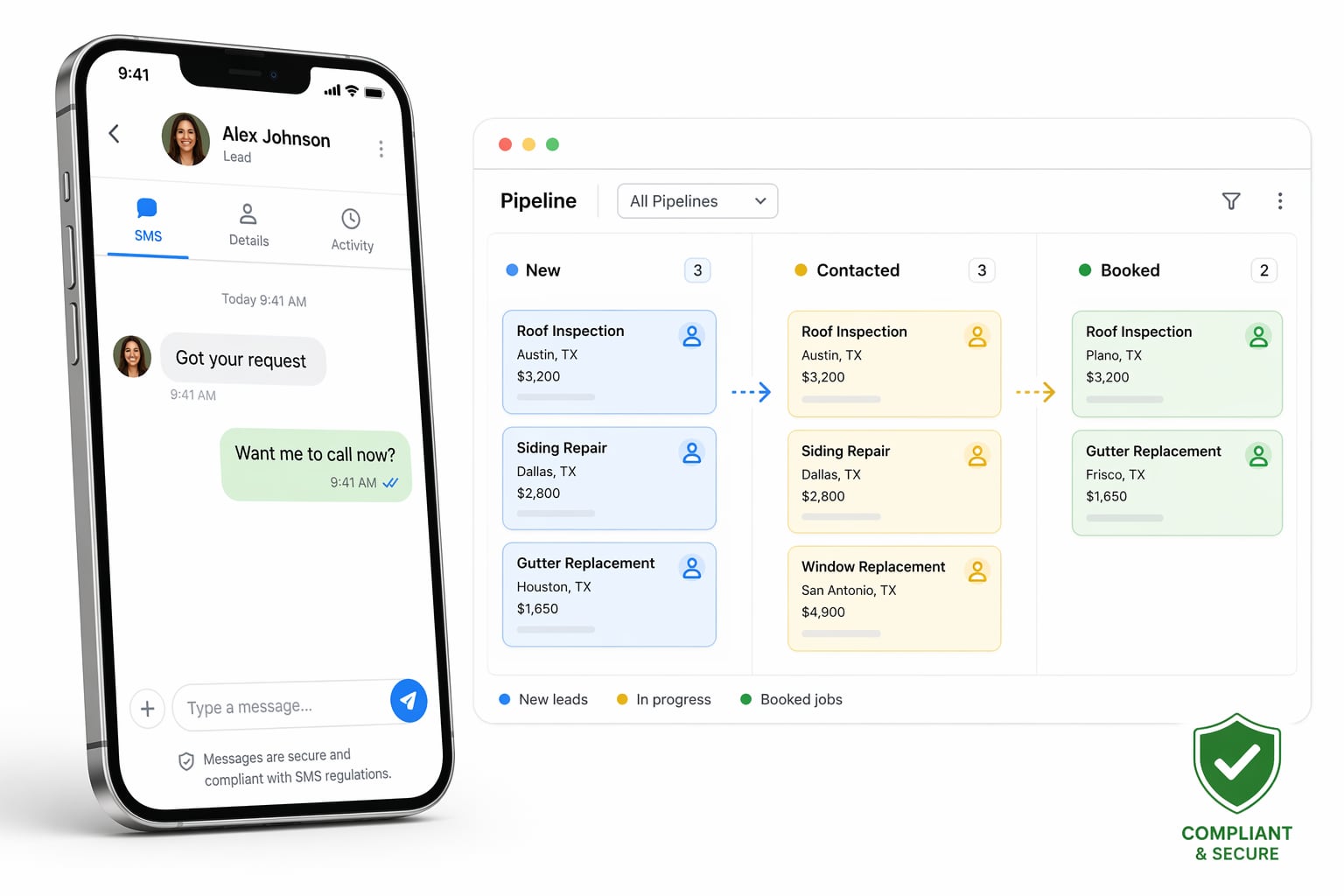
- Speed-to-lead text, 60 seconds after a form fill: "Hi [name], got your request. I'm [your name]. Want me to call now or pick a time this week?" If your lead response time is slow, start here.
- Appointment reminder, 24 hours and 1 hour before a booked call: "Quick reminder, we're on for tomorrow at 2pm. Reply YES to confirm or tell me if we need to move it." Reminders like this are one of the simplest ways to cut no-shows.
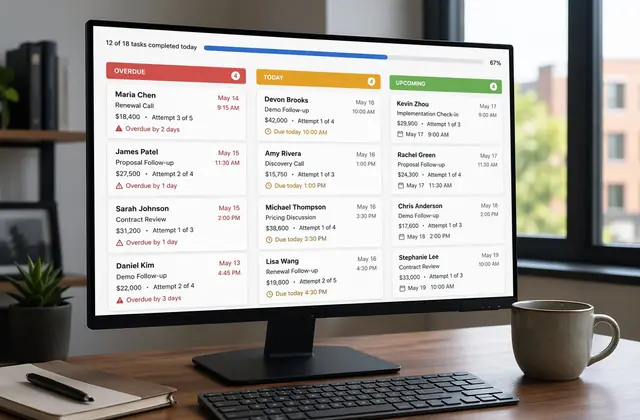
- Proposal follow-up, 48 hours after a proposal with no reply: "Sent your proposal Tuesday. Any questions I can answer?" It catches people who opened the email and got distracted. Pair it with follow-up tasks so a person picks up if they reply.
- Re-engagement nudge, 5 to 7 days after a high-intent lead goes quiet (visited pricing, opened 3+ emails, started checkout). Send one casual text and make it easy to say "not now."
- Post-purchase check-in, 7 days after they buy: "Hi [name], how's everything going with [product]? Reply here if you need anything." It heads off the "I forgot I bought this" churn.
What SMS costs in GoHighLevel, HubSpot, and ActiveCampaign
Unlike email, every text costs money, and the setup cost varies a lot by CRM. Check each vendor's current pricing before you commit, because per-message rates change.
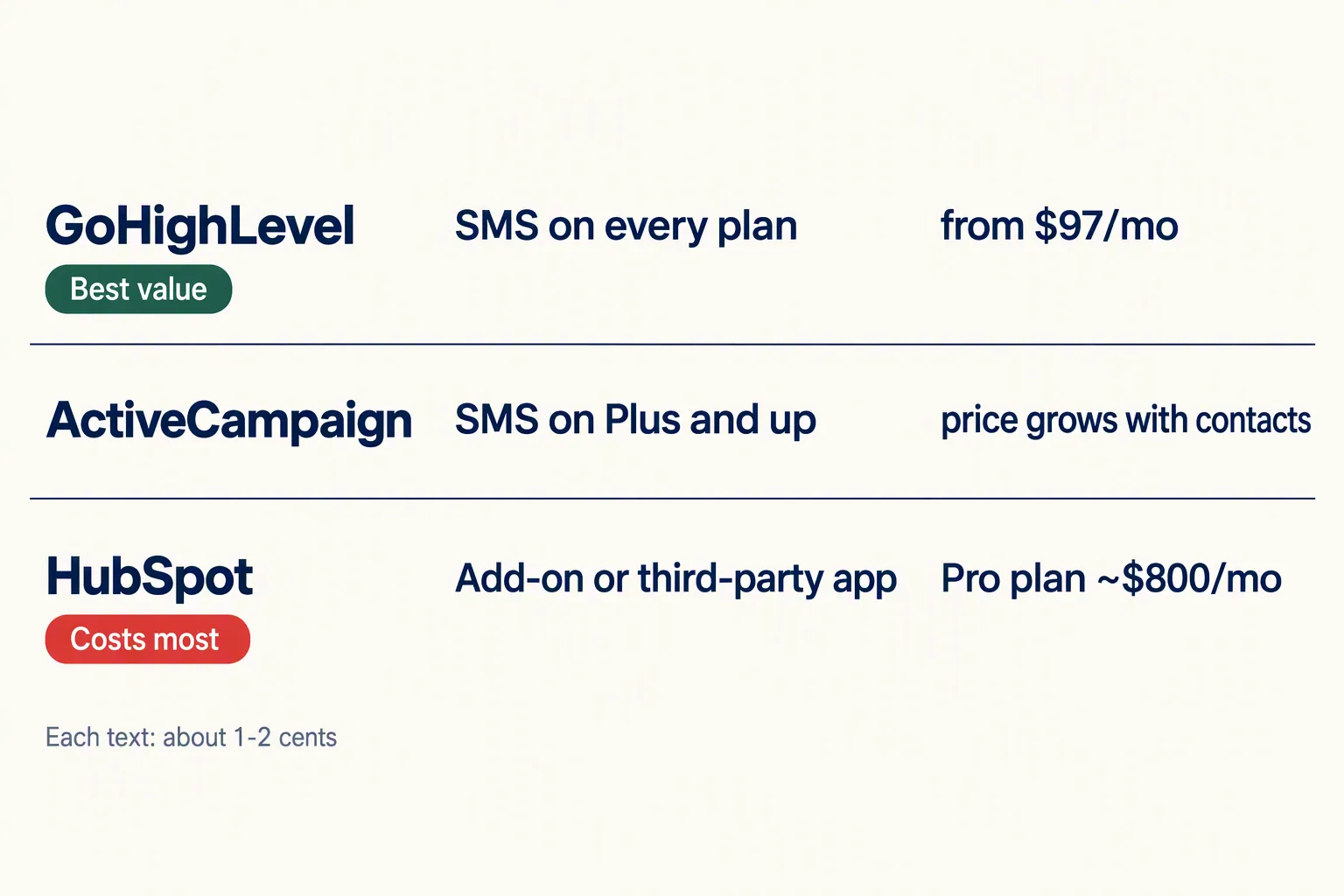
GoHighLevel includes SMS on every plan, starting at $97/month (prices checked October 2026). You pay per message through its LC Phone system, roughly one to two cents per text including carrier fees. Connecting your own Twilio account can bring that under a cent plus carrier fees. Either way, 500 texts a month costs around $5 to $10. SMS sits in the same workflow builder as email, calls, and chat.
HubSpot only offers built-in SMS as an add-on on its higher Marketing Hub tiers. Most small teams connect a marketplace app like Sakari or Twilio instead, which adds a monthly connector fee plus per-message costs. You'll also want a Professional plan (Marketing Hub Professional starts at $800 a month billed annually, or $890 billed monthly) for workflows that make SMS sequences useful.
ActiveCampaign includes native SMS on Plus plans and above, with per-message fees on top. The builder handles SMS triggers and conditions well, but the plan price climbs with your contact count.
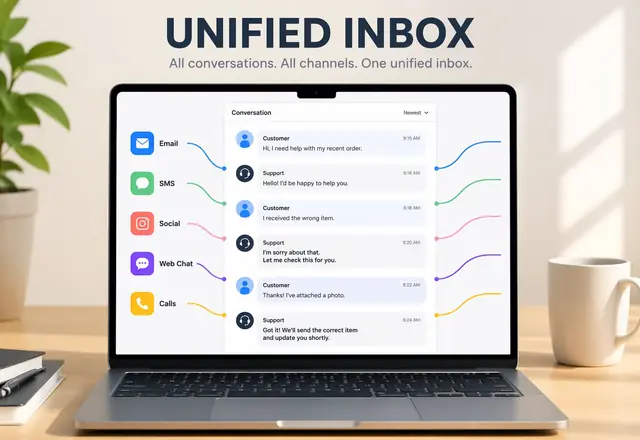
If SMS is a priority channel, GoHighLevel is the clear value pick. ActiveCampaign sits in the middle. HubSpot makes sense only if you're already paying for Professional. For the bigger platform picture, see our Systeme.io vs GoHighLevel breakdown.
Set up your first CRM SMS sequence this week
Start with one workflow, the speed-to-lead text, and add more later.
Step one: add an SMS opt-in checkbox to your lead form. For example: "I'd like text updates about my request. Message and data rates apply. Reply STOP to opt out." Tag every contact who checks it.
Step two: build a workflow triggered by the form that checks for the consent tag. If it's there, send the speed-to-lead text within 60 seconds. Keep it under 160 characters so it doesn't split into two billed segments.
Step three: wait 24 hours, then check. Did they reply or book? If yes, end the sequence. If no, send one more text, and only one. Nobody wants three texts from a business they just met.
Step four: watch your opt-out rate for two weeks. Our rule of thumb: if more than about 5% opt out, fix your timing or wording before adding more texts.
That's one form change, one workflow, and two texts. It takes under an hour in GoHighLevel or ActiveCampaign. Before layering SMS on top of older automations, run a quick automation audit so you don't double-message anyone.
Write texts like a person, not a brand
Texts that read like marketing emails burn the channel fast. Nobody wants "Dear valued customer, we wanted to let you know about an exciting opportunity" on their phone.
Good CRM texts are short and casual, with one clear ask or one useful fact. Use their first name, sign with yours, and skip the exclamation points and emoji strings.
Test it by asking whether you'd send it to a friend. "Hi Sarah, following up on your consultation request. Want me to call you this afternoon?" works. "ATTENTION: Your inquiry has been received. A representative will be in touch." doesn't.
SMS is the most personal channel you have. Treat it that way and people keep replying. Treat it like a broadcast list and they'll opt out, and your best leads go with them.
How we write these: we set up and use these tools for real small businesses, check vendor pricing pages and documentation, and link our sources. We earn affiliate commissions from Systeme.io and GoHighLevel; that never decides what goes in a guide.