Lucky4.tech Resources Back to Resources
CRM Strategy

CRM tagging strategy that won't break your automations

Published July 17, 2026 · 8 min read

Your CRM has 147 tags. You recognize maybe 40 of them. Three different people on your team created tags called "Hot Lead," "hot-lead," and "HOT LEAD" — and they each trigger different automations. Sound familiar? A messy CRM tagging strategy is the hidden reason automations misfire, segments overlap, and reporting tells you nothing useful. According to Derrick App's 2026 CRM data quality report, up to 91% of CRM data becomes inaccurate within a year without active maintenance — and tag sprawl is one of the fastest ways to get there. The fix isn't complicated. It's a naming convention, a simple taxonomy, and a quarterly cleanup that takes less than an hour.

Bad tags are why your automations silently break

Tags drive everything in your CRM. They trigger automations, define segments, filter reports, and route leads to the right person. When tags are inconsistent, all of those systems break — and they break quietly.

Here's how it usually goes. You create a tag called "Webinar Attendee" to trigger a follow-up sequence. Six months later, a team member imports a CSV and creates "webinar_attendee" in the process. Now half your webinar leads get the sequence and half don't. Your automation dashboard shows green checkmarks everywhere. Nothing looks wrong.

The damage compounds. According to Landbase's data decay research, sales reps waste about 27% of their time on leads with bad data — more than 500 hours per rep per year. Duplicate and inconsistent tags are a major contributor because they split your audience into fragments nobody can see clearly.

CRMs with tag-based automation (which is most of them) treat "Hot Lead" and "hot-lead" as two completely different things. Your automation only watches for one spelling. Every contact tagged with the other version just sits there, unworked.

This isn't a cleanup problem — that's the symptom. It's a strategy problem. You need rules before you need a mop.

What a CRM tagging strategy actually looks like

A tagging strategy answers three questions: What categories of tags do you need? Who can create new ones? What naming format do they follow?

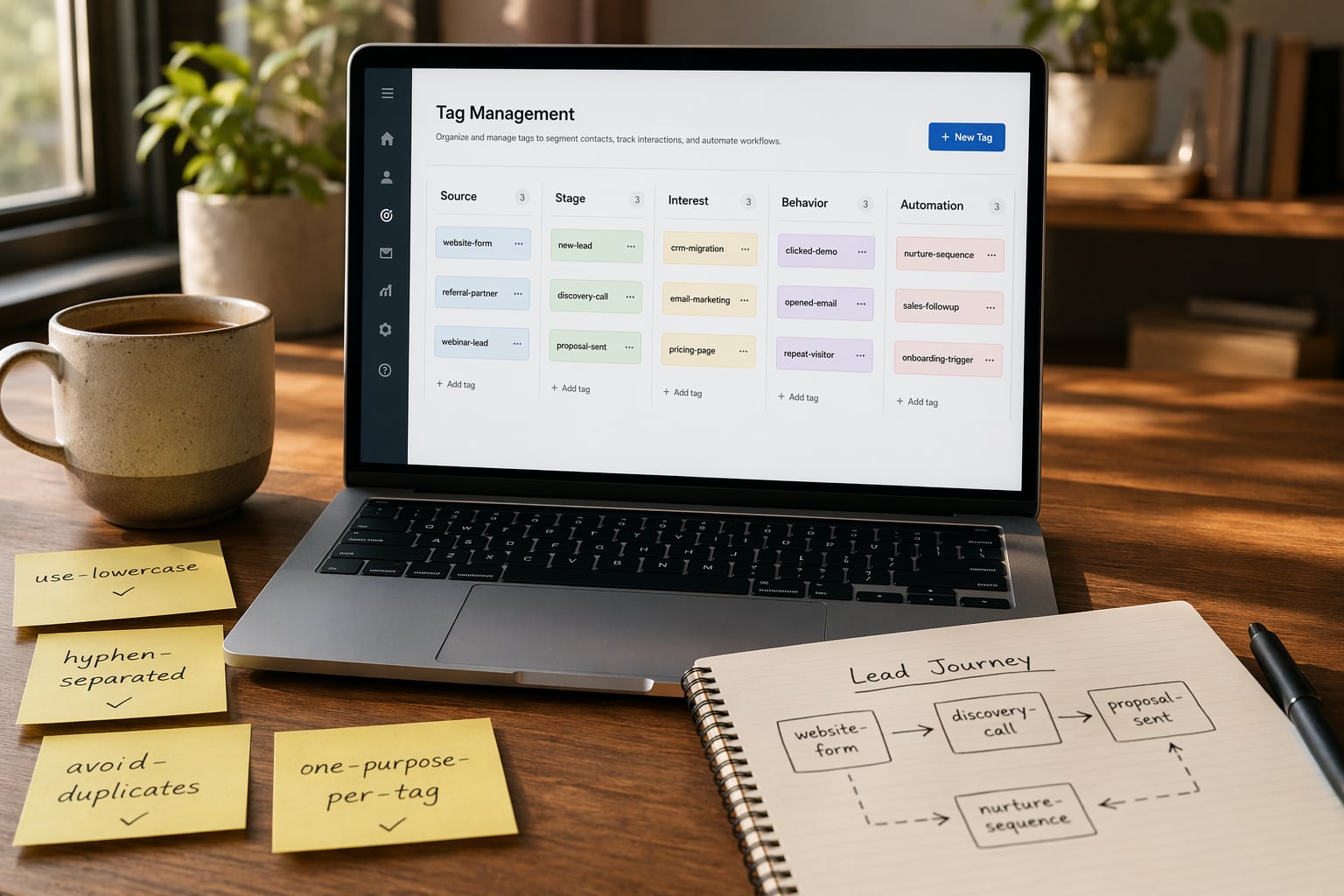
Start with categories. Most small businesses need five groups at most:

  • Source tags — where the contact came from. Examples: source-facebook-ad, source-referral, source-webinar-june.
  • Stage tags — where they are in your pipeline. Examples: stage-new-lead, stage-proposal-sent, stage-client-active.
  • Interest tags — what they care about. Examples: interest-coaching, interest-done-for-you, interest-course.
  • Behavior tags — what they've done. Examples: behavior-booked-call, behavior-opened-5-emails, behavior-abandoned-cart.
  • Automation tags — internal triggers only your system uses. Examples: auto-welcome-sent, auto-nurture-complete, auto-renewal-due.

The naming convention that scales with your business

The single most effective thing you can do for your CRM tagging strategy is enforce a naming convention. It doesn't matter which format you pick — it matters that everyone follows the same one.

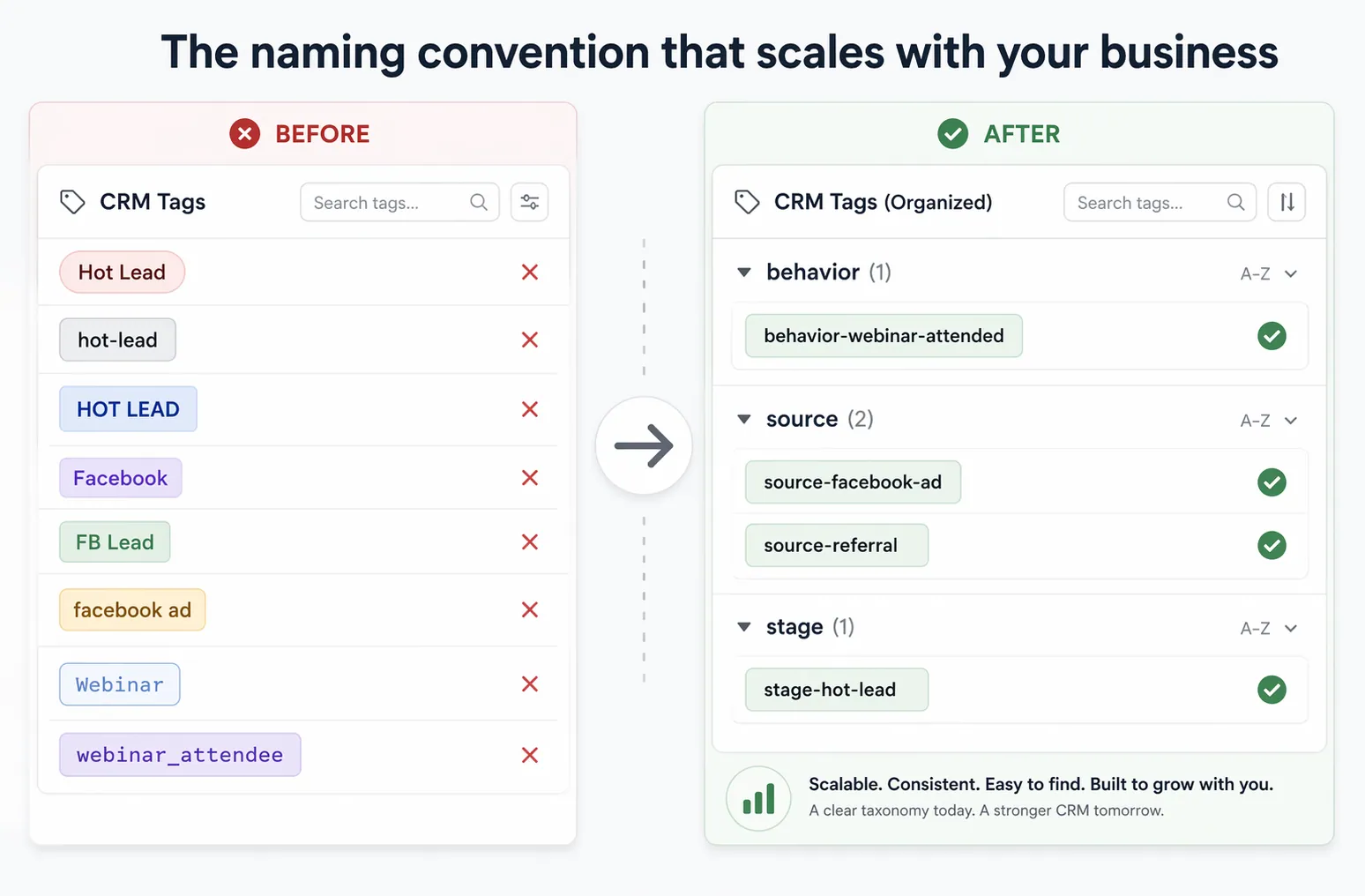
We recommend prefix-lowercase-with-hyphens. Every tag starts with its category, followed by the specific label. All lowercase. Hyphens between words. No spaces, no underscores, no capitalization debates.

Here's why this works. When you open your tag list, everything sorts by category first. All your source tags cluster together. All your automation tags cluster together. You can spot duplicates instantly because "source-facebook-ad" and "source-facebook-ads" sit right next to each other.

Compare that to the typical mess: "Facebook," "FB Lead," "facebook ad," "Facebook Ads 2025" — all scattered across your tag list, impossible to audit, and each triggering (or not triggering) different workflows.

GoHighLevel gives you unlimited tags at every plan tier starting at $97/month. That's powerful but dangerous — unlimited means unlimited mess if you don't have rules. HubSpot's Free tier caps you at 10 custom properties per object, which forces discipline but can feel restrictive. ActiveCampaign allows thousands of tags with no hard limit, but performance degrades at scale if your taxonomy is disorganized.

Whatever your platform, the naming convention is the same. Pick a format on Monday, document it in a shared note, and enforce it from that day forward. Old tags get migrated in the audit step — you don't need to fix everything before starting.

Side-by-side comparison of messy inconsistent CRM tags versus clean organized tags using prefix naming convention.
The same contacts, two approaches. Prefixed naming makes duplicates obvious and keeps your tag list scannable.

How to audit a messy tag system in under an hour

You don't need to rebuild from scratch. A focused tag audit takes about 45 minutes and immediately reveals what's broken.

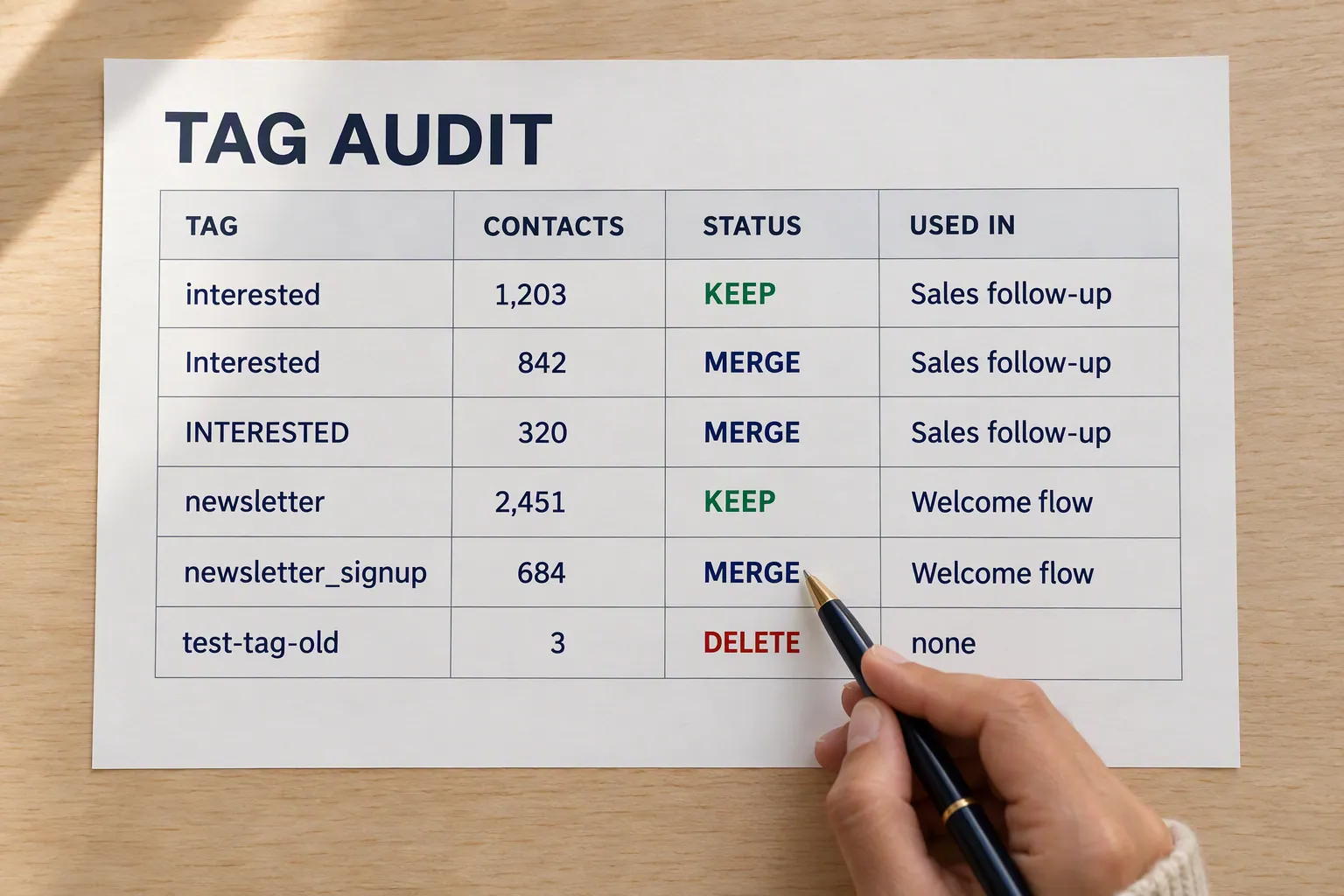
Step one: export your full tag list. Most CRMs let you download this as a CSV or view it in a settings panel. Sort alphabetically. You'll see clusters of duplicates instantly — "interested," "Interested," "INTERESTED," and "interested-client" will all land near each other.

Step two: mark each tag with one of three labels. "Keep" means it's correctly named, actively used, and triggers or defines something. "Merge" means it's a duplicate that should be combined with the canonical version. "Delete" means fewer than five contacts have it and no automation references it.

Step three: check your automations before deleting anything. In GoHighLevel, open your Workflows section and search for each tag you're about to remove. In HubSpot, check Workflows and Lists. In ActiveCampaign, check Automations and Segments. If a tag is referenced somewhere, merge it — don't delete it — or you'll create a broken trigger.

Step four: batch-merge your duplicates. Most CRMs have a merge function. If yours doesn't, create a quick automation: "If contact has tag OLD-TAG, add tag NEW-TAG, then remove OLD-TAG." Let it run overnight.

According to Phantombuster's 2026 CRM data integrity report, 10 to 30% of CRM records contain duplicates or near-duplicates. Your tags follow the same pattern. A 200-tag system probably has 30 to 50 tags that are some variant of another tag already in the list.

CRM tag audit worksheet with columns for tag name, status (keep, merge, delete), contact count, and automation references.
Export, label, check automations, then merge. The whole audit fits in a simple spreadsheet.

Rules that keep your tags clean after the audit

The audit fixes the current mess. These three rules prevent the next one.

Rule one: restrict tag creation. If everyone on your team can invent new tags, they will. Most CRMs let you limit who can create tags or at least hide the "create new" option from certain roles. Lock it down to one or two people.

Rule two: document every tag. Keep a shared spreadsheet or Notion page with three columns: tag name, purpose, and which automation or segment uses it. When someone requests a new tag, check the doc first. Nine times out of ten, what they need already exists under a slightly different name.

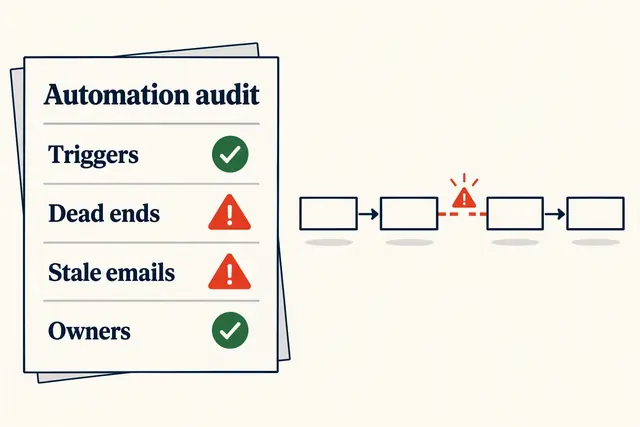
Rule three: run a quarterly cleanup. Add it to the same calendar event as your CRM automation audit. Pull the tag list, look for anything new since last quarter, and verify it follows your naming convention. This takes 15 minutes once the system is clean.

One more: never use tags for data that belongs in a custom field. "Revenue-over-100k" as a tag sounds convenient until you need to filter by exact revenue range. Tags are for categories and triggers. Custom fields are for data with more than two possible values.

What this looks like inside your CRM

A clean tagging strategy changes how your entire CRM feels to use. Segments build themselves because all the tags they reference actually exist and mean what they say. Automations fire correctly because there's only one version of each trigger tag. Reports show real numbers instead of fragmented counts split across "Client," "client," and "Active Client."

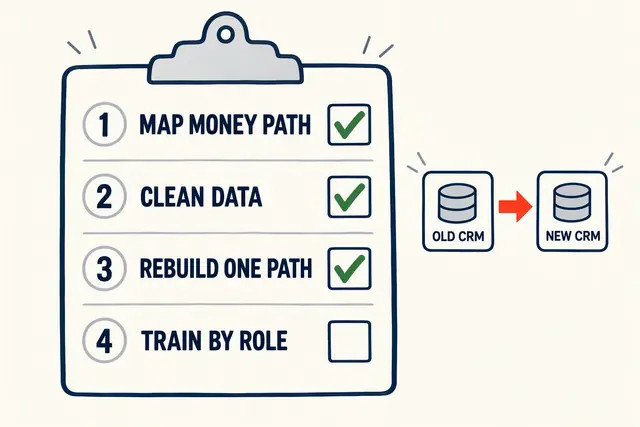
If you're still on a spreadsheet instead of a CRM, this matters even more for when you migrate. Start with clean naming conventions and you won't inherit the sprawl that makes most small-business CRMs harder to use every month.

The businesses we work with that run clean tag systems spend less time debugging automations and more time building new ones. That's the real payoff — not just fewer errors, but faster iteration. When you trust your tags, you trust your data. When you trust your data, you make better decisions.